Starting Point
At this point in the series, you already have:
- a working multiplayer portal
- synchronized player entities
- authentication for real users
Now we add something that makes the world feel alive: AI.
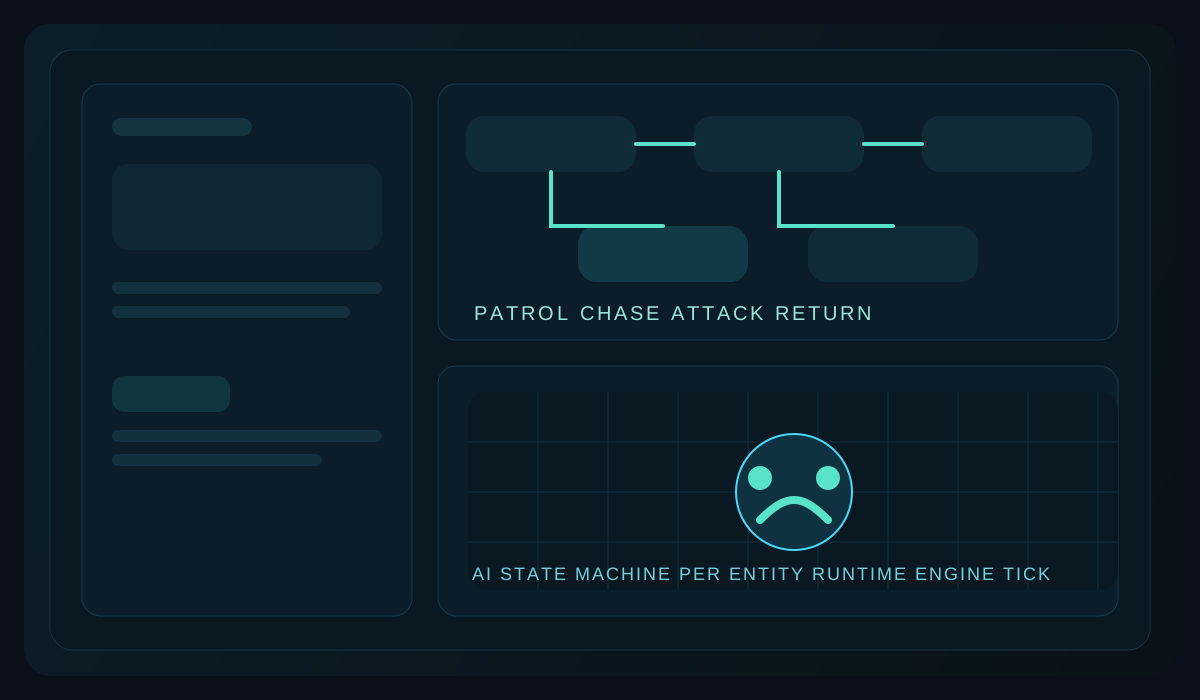
In Altruist, AI is built on the generic state machine system. You declare behavior classes with attributes, and the runtime handles discovery, machine creation, and ticking.
1. Define a Behavior
Create AI/DroneBehavior.cs:
using System.Numerics;
using Altruist.Gaming;
using Altruist.Gaming.ThreeD;
using Altruist.ThreeD.Numerics;

namespace SpaceGame.AI;

[AIBehavior("drone")]
public sealed class DroneBehavior
{
    [AIState("Patrol", Initial = true)]
    public string? Patrol(DroneAIContext ctx, float dt)
    {
        if (ctx.Target != null)
            return "Chase";

        FlyPatrolLoop(ctx, dt);
        return null;
    }

    [AIState("Chase")]
    public string? Chase(DroneAIContext ctx, float dt)
    {
        if (ctx.Target == null)
            return "Return";

        MoveTowardTarget(ctx, dt);

        if (DistanceToTarget(ctx) < ctx.AttackRange)
            return "Attack";

        return null;
    }

    [AIState("Attack", Delay = 500, DelayUnit = TimeUnit.Milliseconds)]
    public string? Attack(DroneAIContext ctx, float dt)
    {
        if (ctx.Target == null)
            return "Return";

        FireDroneLaser(ctx);
        return "Chase";
    }

    [AIState("Return")]
    public string? Return(DroneAIContext ctx, float dt)
    {
        if (MoveBackToSpawn(ctx, dt))
            return "Patrol";

        return null;
    }

    private static void FlyPatrolLoop(DroneAIContext ctx, float dt)
    {
        const float radius = 120f;
        const float speed = 1.4f;

        float angle = ctx.TimeInState * speed;
        float nextX = ctx.SpawnX + MathF.Cos(angle) * radius;
        float nextZ = ctx.SpawnZ + MathF.Sin(angle) * radius;

        ctx.Drone.Transform = ctx.Drone.Transform.WithPosition(
            Position3D.From(new Vector3(nextX, ctx.SpawnY, nextZ)));
    }

    private static void MoveTowardTarget(DroneAIContext ctx, float dt)
    {
        if (ctx.Target == null)
            return;

        var current = ctx.Drone.Transform.Position.ToVector3();
        var target = ctx.Target.Transform.Position.ToVector3();
        var direction = new Vector3(
            target.X - current.X,
            target.Y - current.Y,
            target.Z - current.Z);

        if (direction.LengthSquared() < 0.0001f)
            return;

        direction = Vector3.Normalize(direction);
        float speed = 180f;

        ctx.Drone.Transform = ctx.Drone.Transform.WithPosition(
            Position3D.From(current + direction * speed * dt));
    }

    private static float DistanceToTarget(DroneAIContext ctx)
    {
        if (ctx.Target == null)
            return float.MaxValue;

        return Vector3.Distance(
            ctx.Drone.Transform.Position.ToVector3(),
            ctx.Target.Transform.Position.ToVector3());
    }

    private static bool MoveBackToSpawn(DroneAIContext ctx, float dt)
    {
        var current = ctx.Drone.Transform.Position.ToVector3();
        var spawn = new Vector3(ctx.SpawnX, ctx.SpawnY, ctx.SpawnZ);
        var delta = spawn - current;

        if (delta.LengthSquared() < 25f)
        {
            ctx.Drone.Transform = ctx.Drone.Transform.WithPosition(Position3D.From(spawn));
            return true;
        }

        delta = Vector3.Normalize(delta);
        float speed = 160f;

        ctx.Drone.Transform = ctx.Drone.Transform.WithPosition(
            Position3D.From(current + delta * speed * dt));
        return false;
    }

    private static void FireDroneLaser(DroneAIContext ctx)
    {
        ctx.Drone.LastAttackAtUtc = DateTime.UtcNow;
    }
}
This is the mental model:
Patrolis the default idle loopChaseruns when a target existsAttackis delayed so it does not fire every single tickReturnbrings the NPC back to its origin
2. Define the AI Context
Create AI/DroneAIContext.cs:
using System.Collections.Generic;
using Altruist.Gaming;
using SpaceGame.World;

namespace SpaceGame.AI;

public sealed class DroneAIContext : IAIContext
{
    public ITypelessWorldObject Entity { get; set; } = null!;

    // Framework-managed state machine fields
    public float TimeInState { get; set; }
    public float StateDuration { get; set; }
    public string CurrentStateTag { get; set; } = "";
    public IReadOnlyDictionary<string, StateWindow>? ActiveWindows { get; set; }
    public object? CurrentStateData { get; set; }
    public StateMotionProfile? CurrentStateMotion { get; set; }
    public float PreviousProgress { get; set; }

    // Game-specific data
    public DroneEntity Drone { get; set; } = null!;
    public SpaceGame.World.PlayerPrefab? Target { get; set; }
    public float SpawnX { get; set; }
    public float SpawnY { get; set; }
    public float SpawnZ { get; set; }
    public float AttackRange { get; set; } = 200f;
}
The framework updates the generic state machine fields for you. Your code reads them and adds the data your behavior needs.
3. Make an Entity AI-Enabled
Create a world object that implements IAIBehaviorEntity:
using Altruist.Gaming;
using Altruist.Gaming.ThreeD;
using Altruist.ThreeD.Numerics;

namespace SpaceGame.World;

[WorldObject("drone")]
public sealed class DroneEntity : WorldObject3D, IAIBehaviorEntity
{
    public string AIBehaviorName => "drone";
    public IAIContext AIContext { get; set; } = null!;
    public string Name { get; set; } = "Training Drone";
    public DateTime LastAttackAtUtc { get; set; }

    public DroneEntity(Transform3D transform) : base(transform)
    {
    }
}
When you spawn it, attach the context:
var drone = new DroneEntity(transform);

drone.AIContext = new DroneAIContext
{
    Entity = drone,
    Drone = drone,
    SpawnX = transform.Position.X,
    SpawnY = transform.Position.Y,
    SpawnZ = transform.Position.Z,
    AttackRange = 200f,
};

await world.SpawnDynamicObject(drone);
Once the entity exists in the world, AIBehaviorService discovers the matching behavior by AIBehaviorName and starts ticking it automatically.
4. Why This Builds Cleanly on the Earlier Posts
The first two posts gave you transport, sessions, and identity.
That means AI can now rely on:
- real connected players
- session-backed player data
- authenticated game actions
Instead of scripting a static demo NPC, you are now reacting to the same live multiplayer environment the client is already connected to.
5. Keep It Small at First
Your first useful AI usually does not need a giant combat brain.
Start with one loop:
- patrol
- chase
- attack
- return
Once that works, add:
- threat tables
- leash limits
- group aggro
- hibernation-aware combat
Next Up
Now that the world contains interesting entities, the next step is making sure each player only receives what they should see:
Continue the Series